pyvista.Cone#
- Cone(
- center=(0.0, 0.0, 0.0),
- direction=(1.0, 0.0, 0.0),
- height=1.0,
- radius=None,
- capping=True,
- angle=None,
- resolution=6,
Create a cone.
- Parameters:
- centersequence[
float], default: (0.0, 0.0, 0.0) Center in
[x, y, z]. Axis of the cone passes through this point.- directionsequence[
float], default: (1.0, 0.0, 0.0) Direction vector in
[x, y, z]. Orientation vector of the cone.- height
float, default: 1.0 Height along the cone in its specified direction.
- radius
float,optional Base radius of the cone.
- cappingbool,
optional Enable or disable the capping the base of the cone with a polygon.
- angle
float,optional The angle in degrees between the axis of the cone and a generatrix.
- resolution
int, default: 6 Number of facets used to represent the cone.
- centersequence[
- Returns:
pyvista.PolyDataCone mesh.
Examples
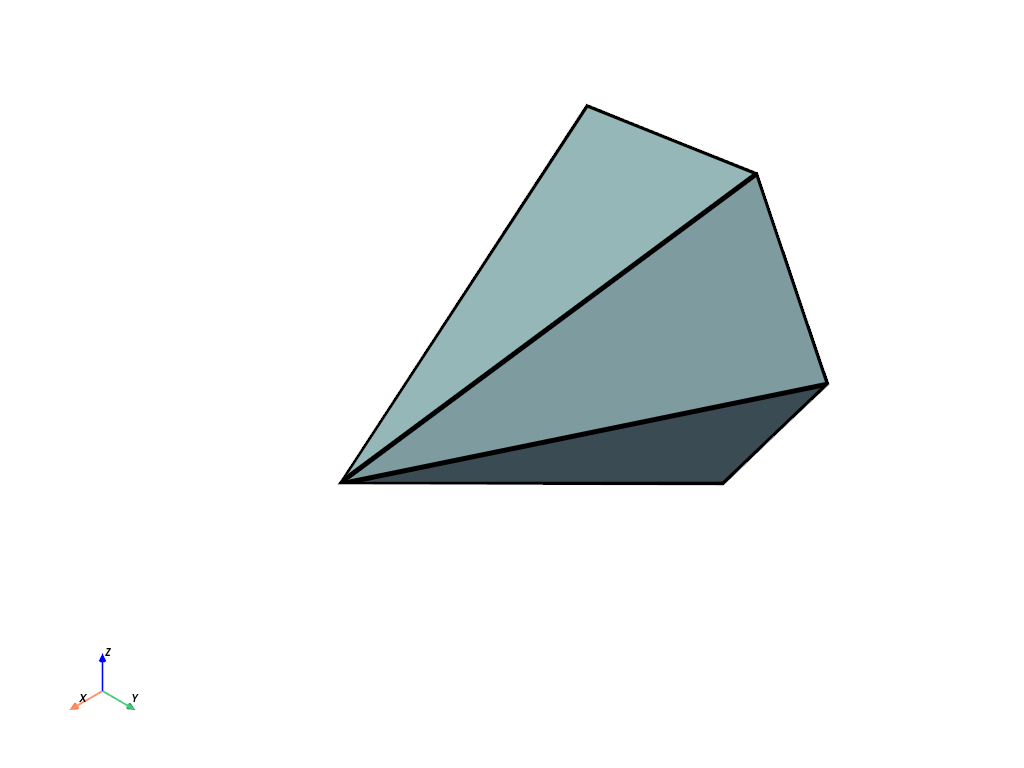
Create a default Cone.
>>> import pyvista as pv
>>> mesh = pv.Cone()
>>> mesh.plot(show_edges=True, line_width=5)