pyvista.Property.style#
- property Property.style: str[source]#
Return or set Visualization style of the mesh.
One of the following (case insensitive):
'surface''wireframe''points'
Examples
Set the representation style to
'Wireframe'>>> import pyvista as pv >>> prop = pv.Property() >>> prop.style = 'wireframe' >>> prop.style 'Wireframe'
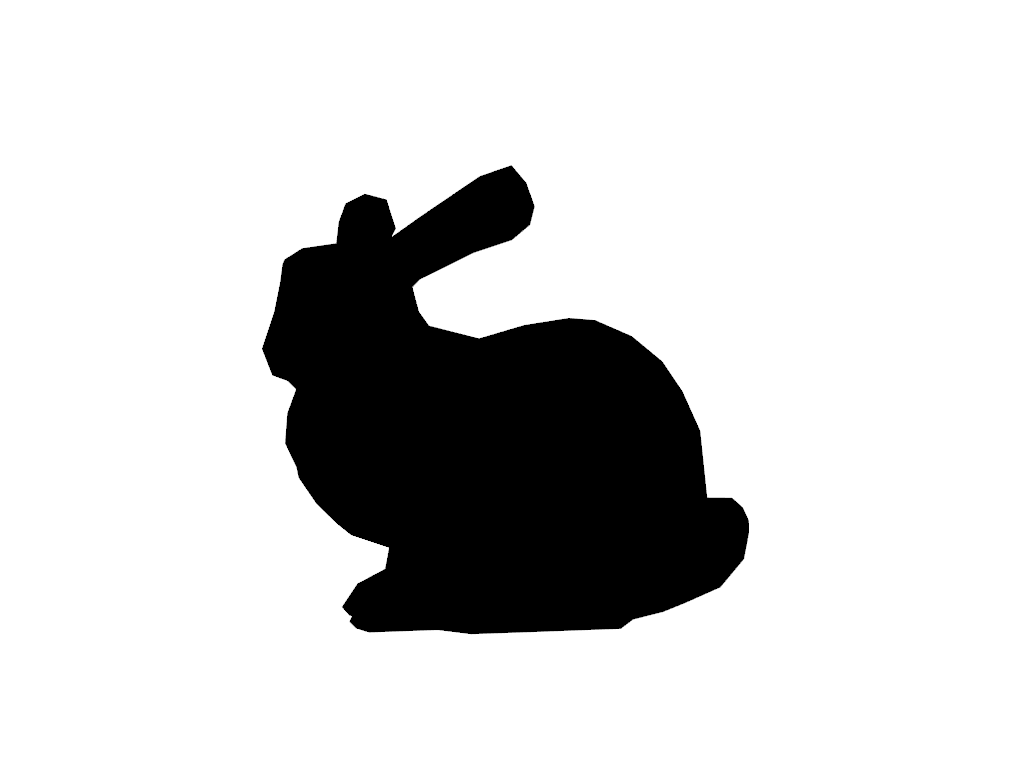
Visualize default surface representation style.
>>> prop.style = 'surface'
>>> prop.plot()
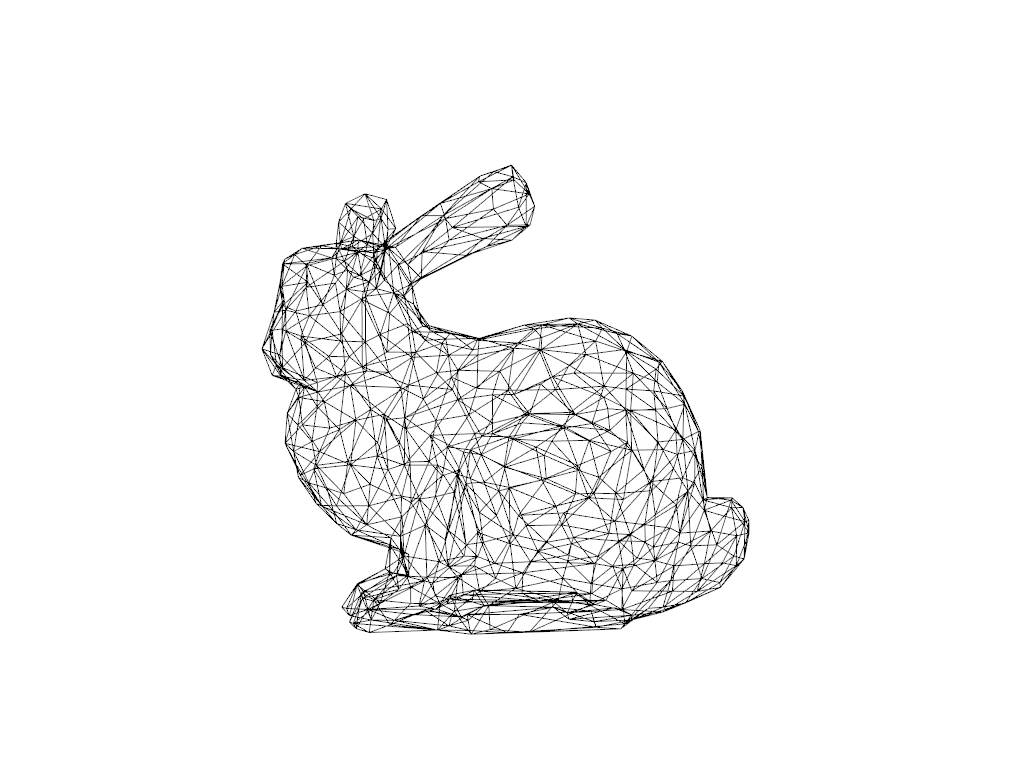
Visualize wireframe representation style.
>>> prop.style = 'wireframe'
>>> prop.plot()
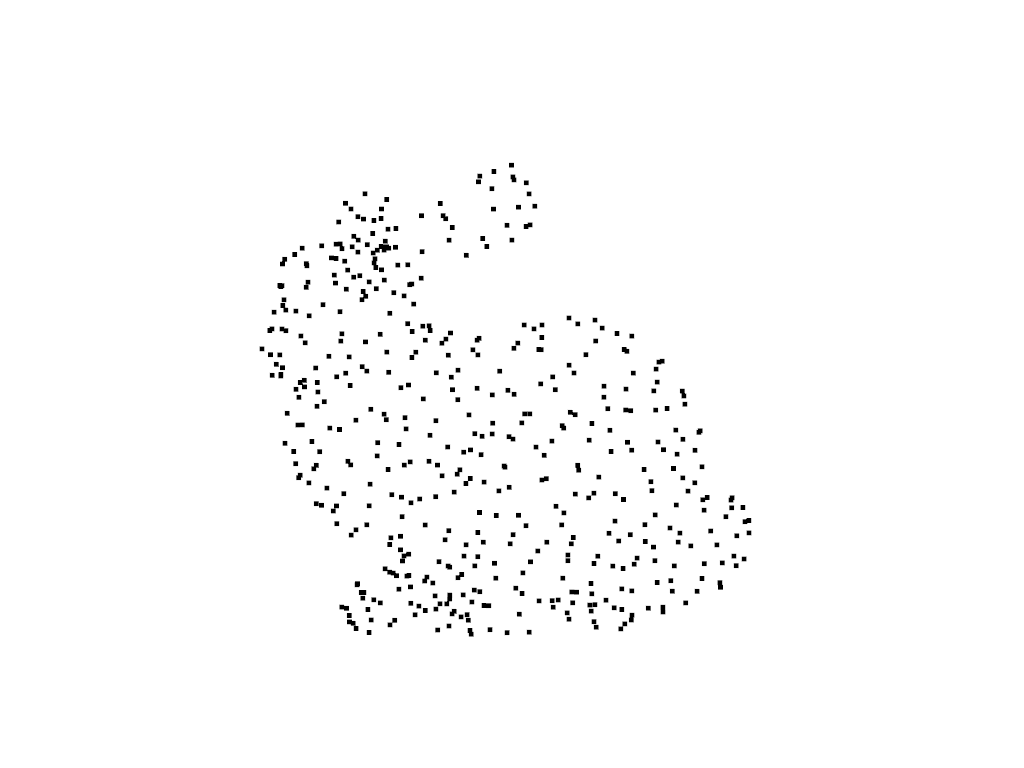
Visualize points representation style.
>>> prop.style = 'points'
>>> prop.point_size = 5.0
>>> prop.plot()