pyvista.PolyDataFilters.decimate#
- PolyDataFilters.decimate(
- target_reduction,
- volume_preservation=False,
- attribute_error=False,
- scalars=True,
- vectors=True,
- normals=False,
- tcoords=True,
- tensors=True,
- scalars_weight=0.1,
- vectors_weight=0.1,
- normals_weight=0.1,
- tcoords_weight=0.1,
- tensors_weight=0.1,
- inplace=False,
- progress_bar=False,
Reduce the number of triangles in a triangular mesh using
vtkQuadricDecimation.- Parameters:
- target_reduction
float Fraction of the original mesh to remove. If
target_reductionis set to 0.9, this filter will try to reduce the data set to 10% of its original size and will remove 90% of the input triangles.- volume_preservationbool, default:
False Decide whether to activate volume preservation which greatly reduces errors in triangle normal direction. If
False, volume preservation is disabled and ifattribute_erroris active, these errors can be large.- attribute_errorbool, default:
False Decide whether to include data attributes in the error metric. If
False, then only geometric error is used to control the decimation. IfTrue, the following flags are used to specify which attributes are to be included in the error calculation.- scalarsbool, default:
True If attribute errors are to be included in the metric (i.e.,
attribute_errorisTrue), then these flags control which attributes are to be included in the error calculation.- vectorsbool, default:
True See
scalarsparameter.- normalsbool, default:
False See
scalarsparameter.- tcoordsbool, default:
True See
scalarsparameter.- tensorsbool, default:
True See
scalarsparameter.- scalars_weight
float, default: 0.1 The scaling weight contribution of the scalar attribute. These values are used to weight the contribution of the attributes towards the error metric.
- vectors_weight
float, default: 0.1 See
scalars_weightparameter.- normals_weight
float, default: 0.1 See
scalars_weightparameter.- tcoords_weight
float, default: 0.1 See
scalars_weightparameter.- tensors_weight
float, default: 0.1 See
scalars_weightparameter.- inplacebool, default:
False Whether to update the mesh in-place.
- progress_barbool, default:
False Display a progress bar to indicate progress.
- target_reduction
- Returns:
pyvista.PolyDataDecimated mesh.
Notes
If you encounter a segmentation fault or other error, consider using
pyvista.PolyDataFilters.clean()to remove any invalid cells before using this filter.Examples
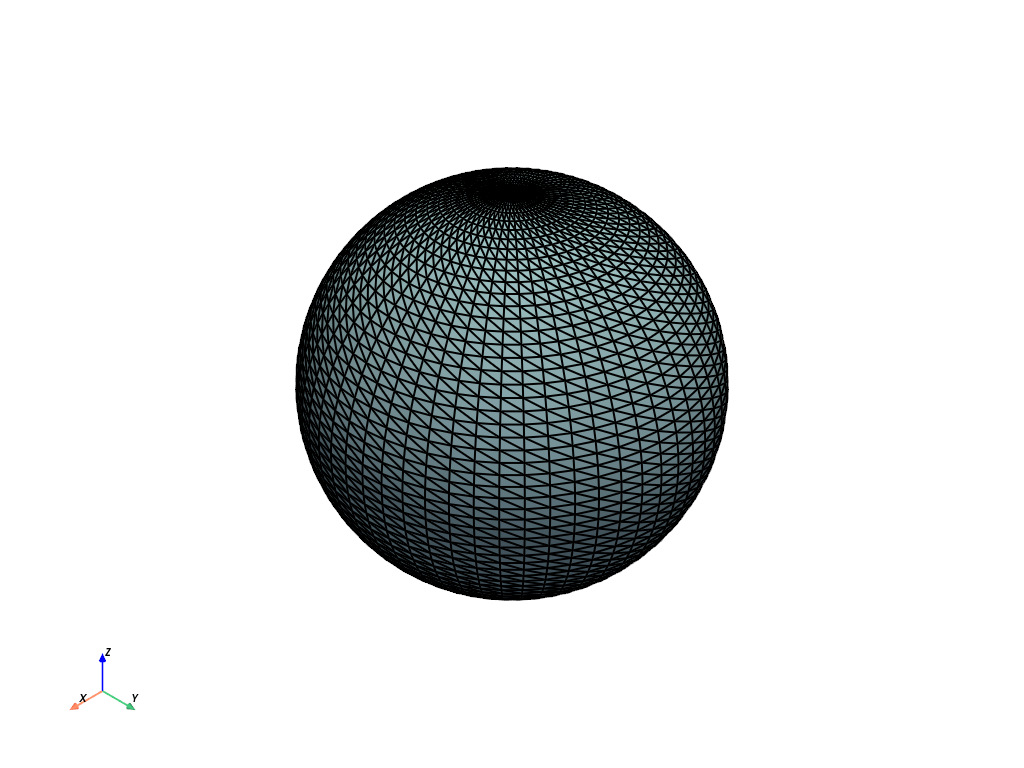
Decimate a sphere. First plot the sphere.
>>> import pyvista as pv
>>> sphere = pv.Sphere(phi_resolution=60, theta_resolution=60)
>>> sphere.plot(show_edges=True, line_width=2)
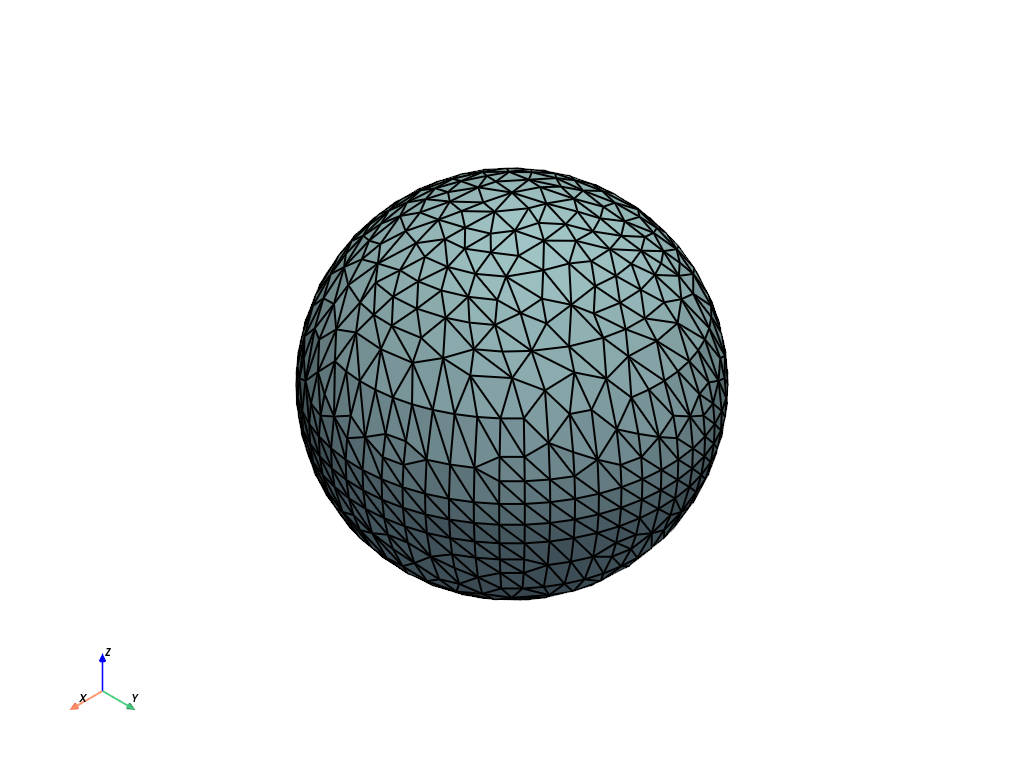
Now decimate it by 75% and plot it.
>>> decimated = sphere.decimate(0.75)
>>> decimated.plot(show_edges=True, line_width=2)
See Decimation for more examples using this filter.